


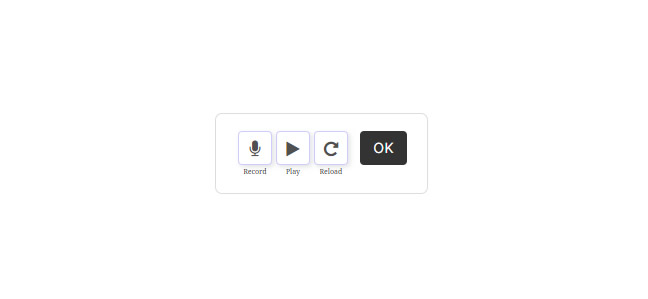


Description
🎙️ Record, edit, mix and manage audio — directly in WordPress
Stop using WhatsApp, external recorders or complex software.
With Audio Editor & Recorder Pro, everything happens inside your website: record, edit, mix and manage audio without leaving WordPress — a true mini audio studio in your dashboard.
🚀 What you can do with the Pro version
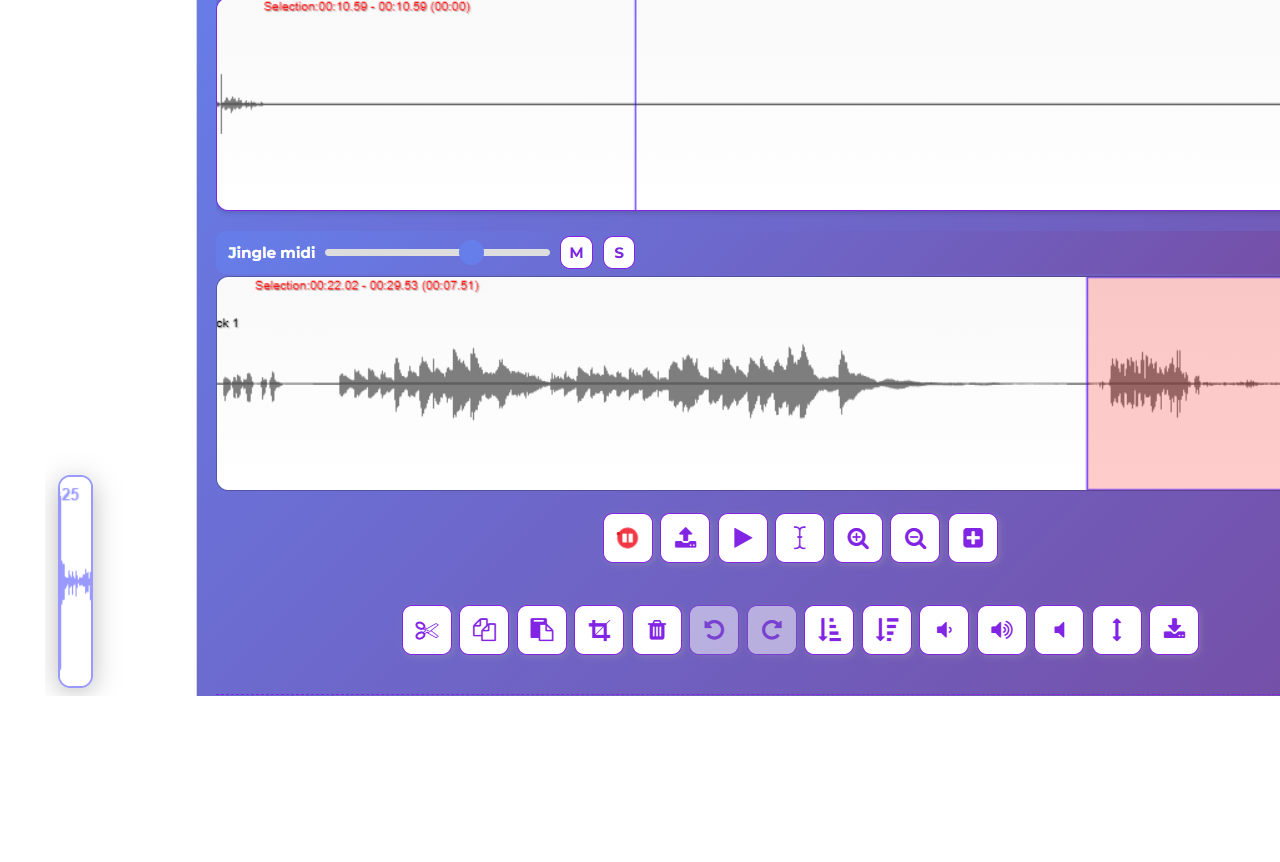
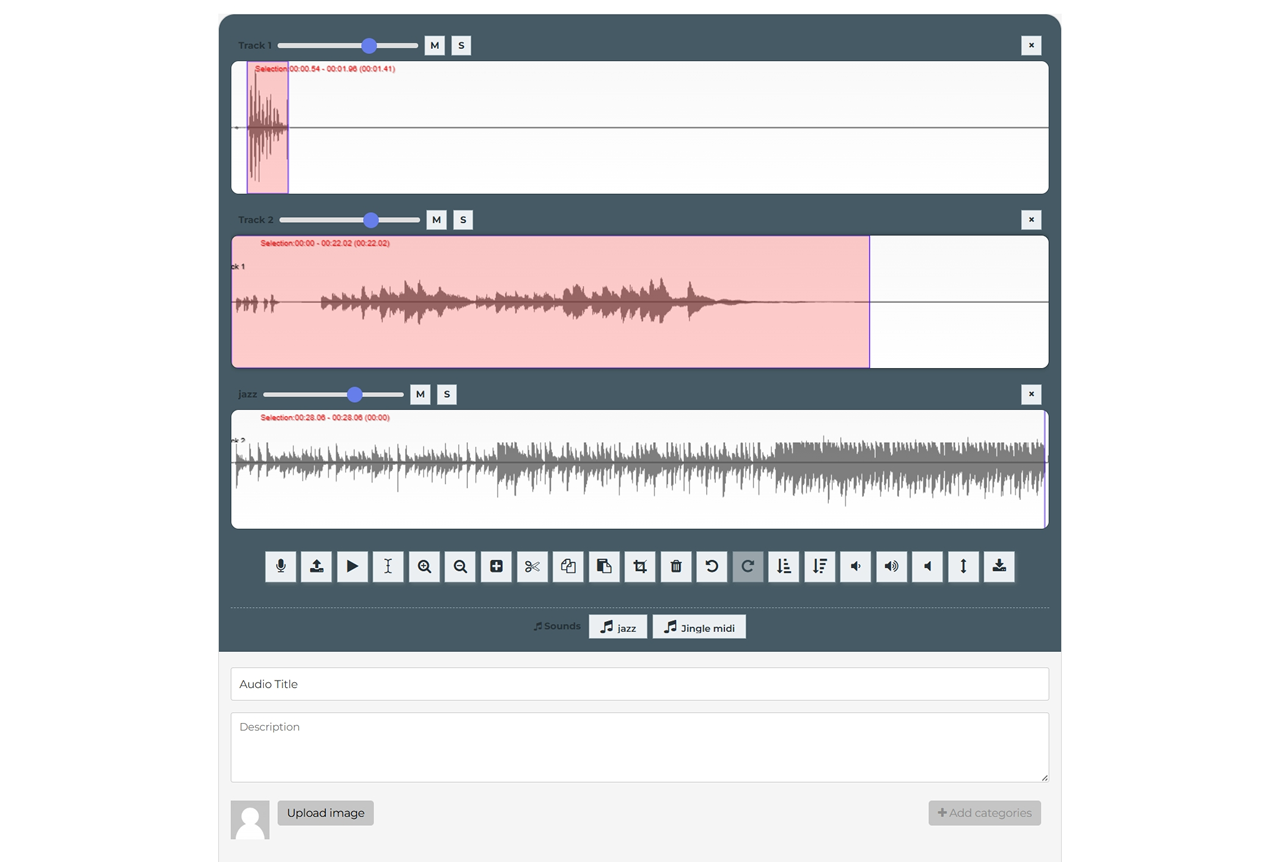
🎛️ Multi-track mixing (new)
- Layer up to 4 audio tracks and mix them together
- Per-track volume, mute and solo
- Real-time mixing — adjust levels while playing
- Automatic mixdown when you export or save
- Perfect for voice-over + background music, or podcast-style productions
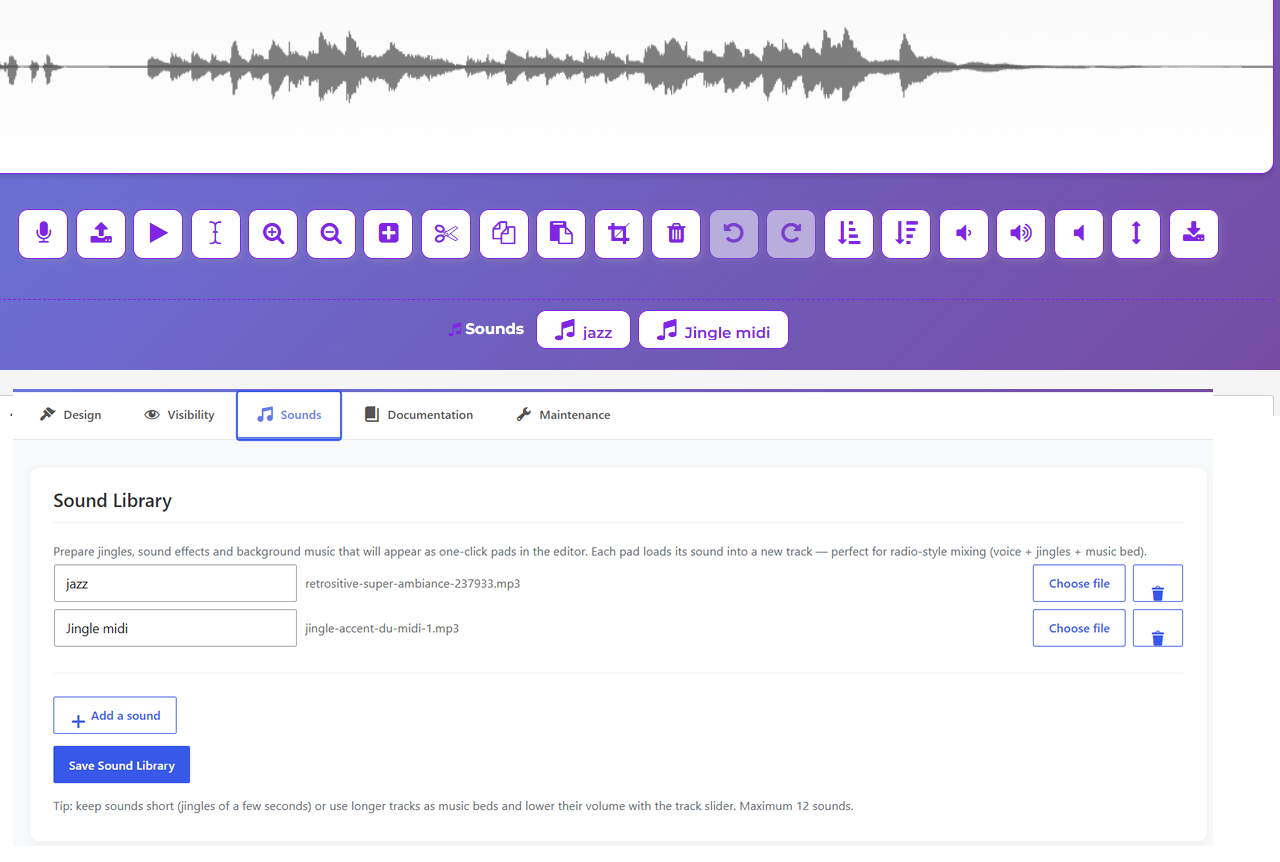
🎵 Sound Library — one-click jingle & music pads (new)
- Prepare jingles, sound effects and music beds in the settings
- Load any sound into a track in a single click
- Radio-style mixing: intro jingle, music bed under the voice, outro…
🎚️ Audio effects & editing tools (new)
- Fade in / Fade out on a selection or the whole track
- Normalize — boost to maximum volume without clipping
- Gain +/- and Silence on the selection
- Undo / Redo with Ctrl+Z / Ctrl+Y
🎤 Unlimited recording power
- Remove the 5-minute limitation
- Record longer sessions (music, podcasts, lessons…)
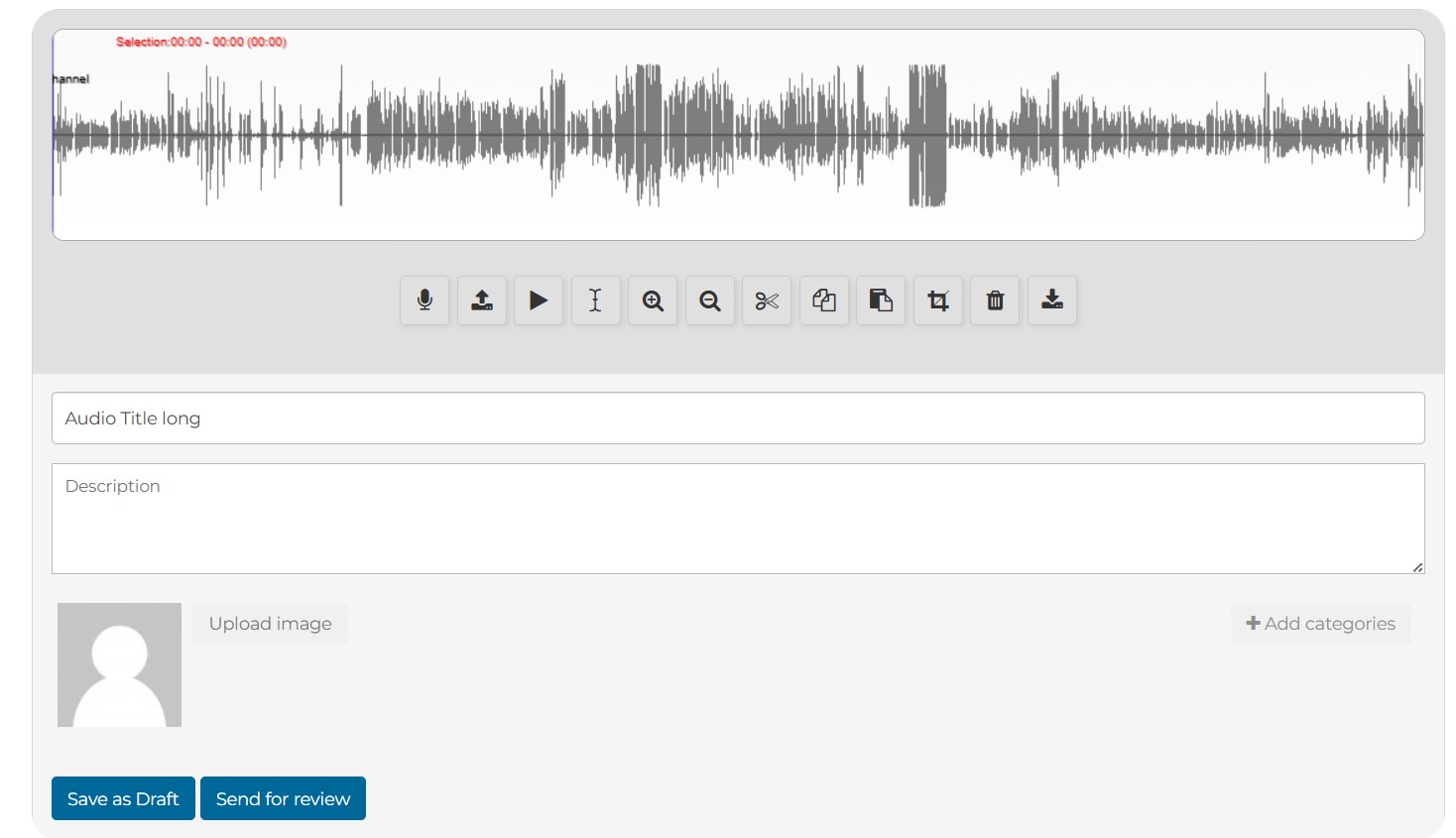
- Live waveform displayed while you record, with REC indicator and timer
- Full control over audio duration
✂️ Advanced waveform editor
- Cut, crop, delete audio segments
- Copy & paste parts of recordings
- Zoom and select precise areas
- Clean and edit audio visually
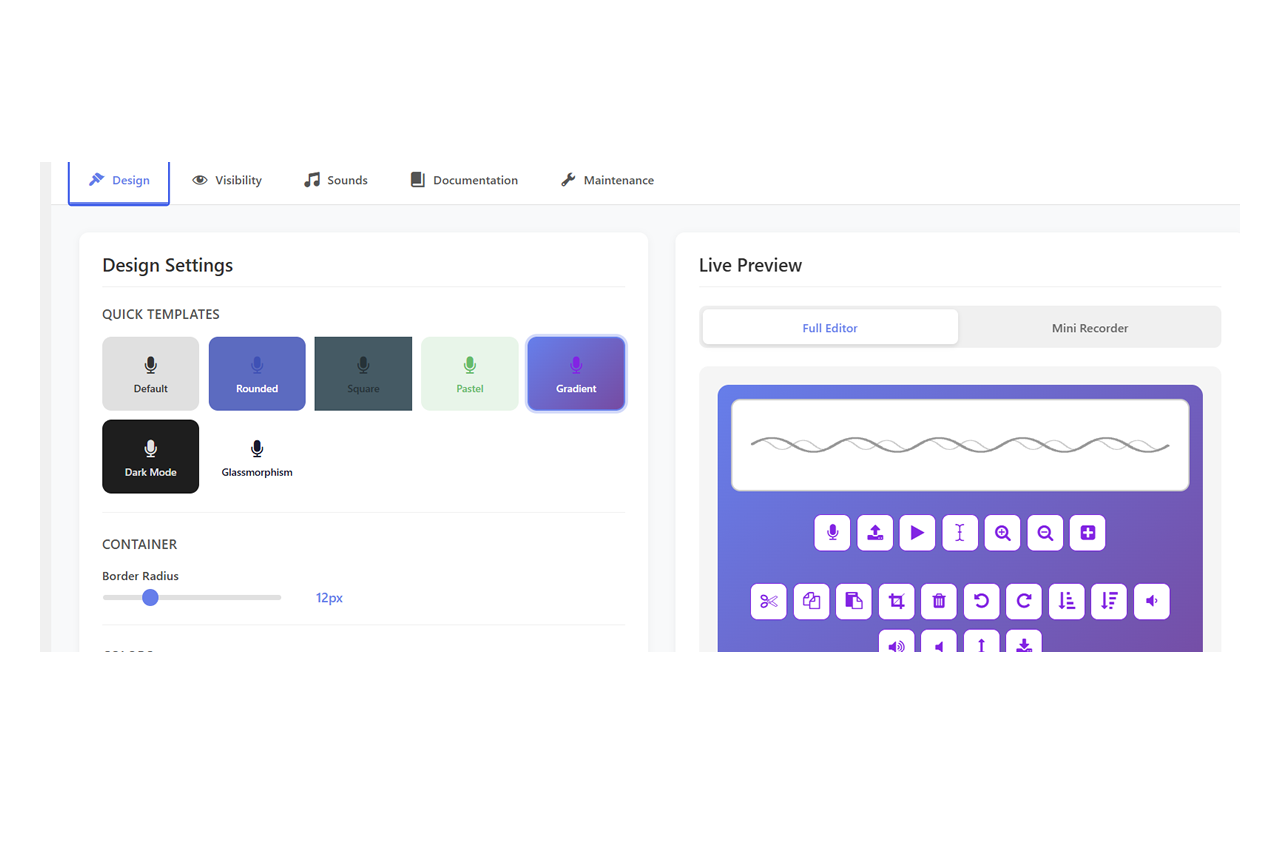
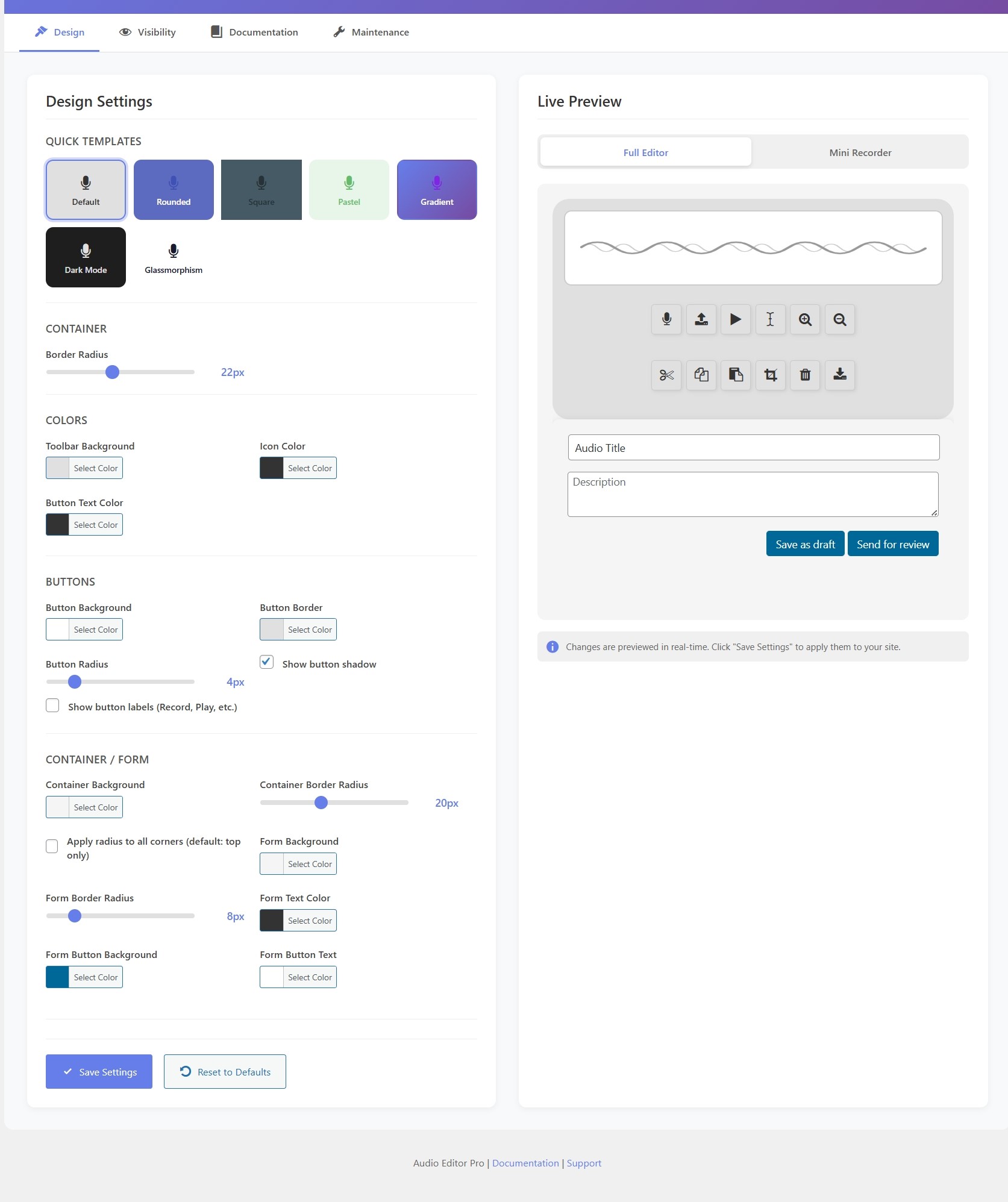
🎨 Full design customization
- 7 ready-made templates: Default, Rounded, Square, Pastel, Gradient, Dark, Glassmorphism
- Customize every color (toolbar, buttons, waveform, form) with a live preview
- Style the editor per page with 20+ shortcode attributes
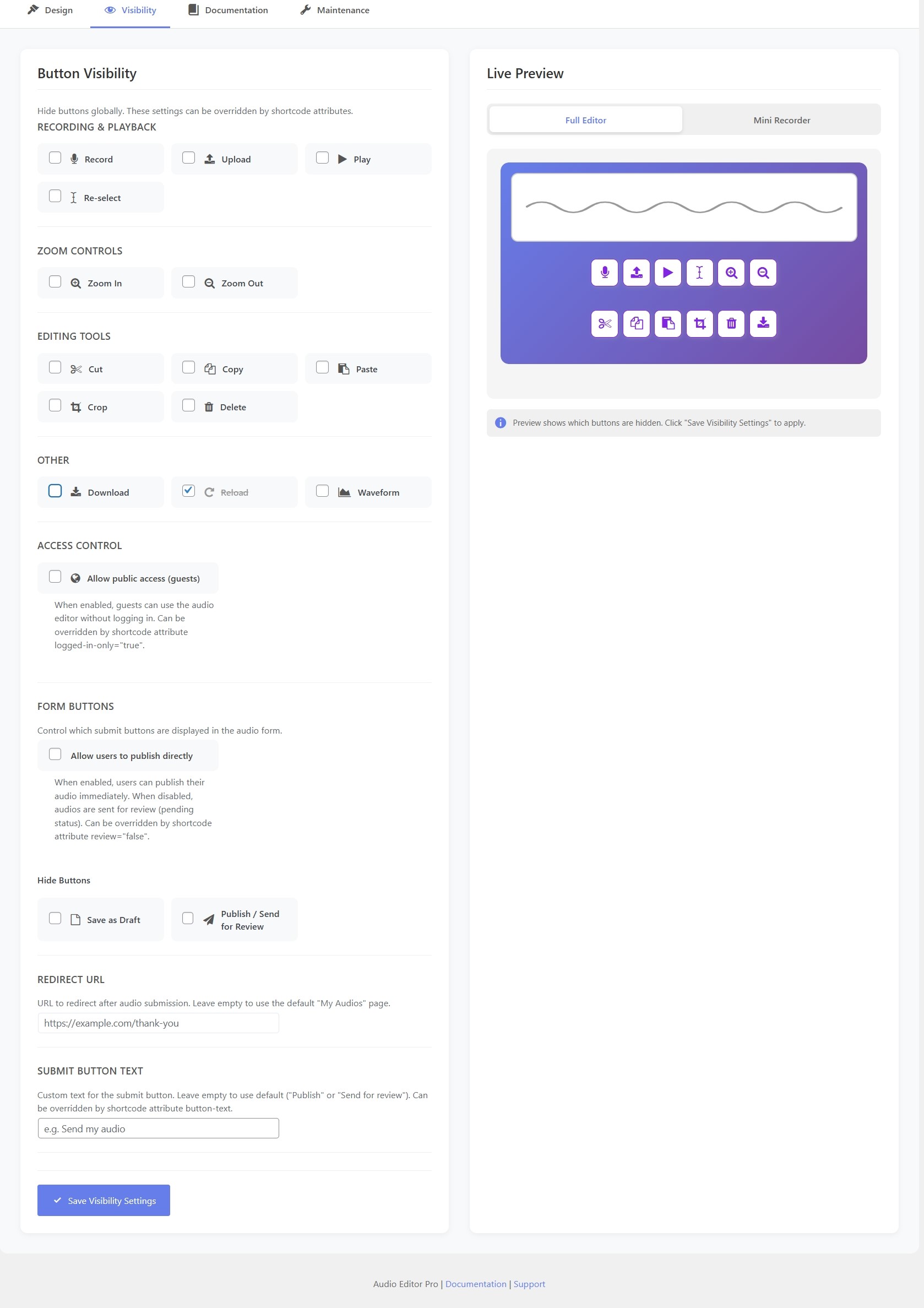
- Show or hide any button, globally or per shortcode
📩 Collect audio from your users
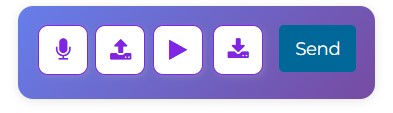
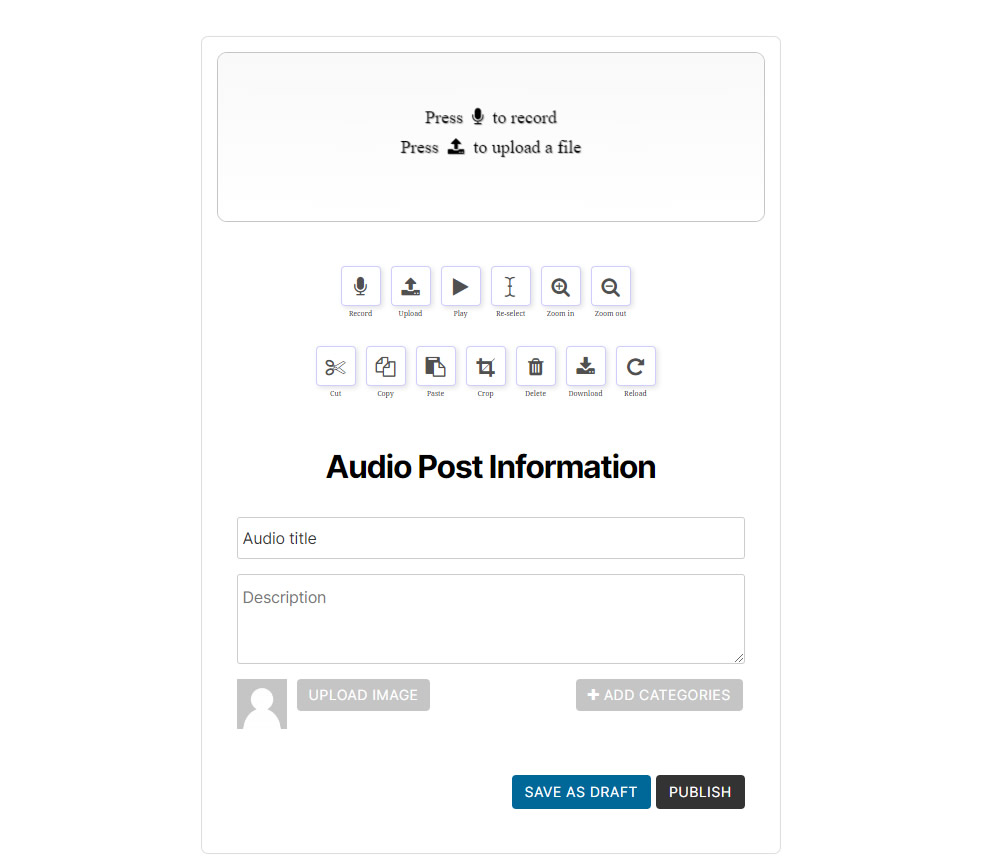
- Front-end audio recording form
- Users can submit recordings directly on your site
- Guest access — let logged-out visitors record and submit
- Perfect for assignments, testimonials, voice messages
🧑💻 Admin review & workflow
- All submissions stored as a custom post type
- Review, edit and publish recordings
- Re-edit existing audio from the front-end ([user-audio-edit])
- Moderate user submissions easily
📁 Upload and edit existing audio
- Import audio files
- Edit them directly in the waveform editor
- Download / export as MP3 in one click
- No external software needed
⚡ Seamless WordPress integration
- Works directly in your site (no SaaS, no external account)
- Keep full ownership of your audio files
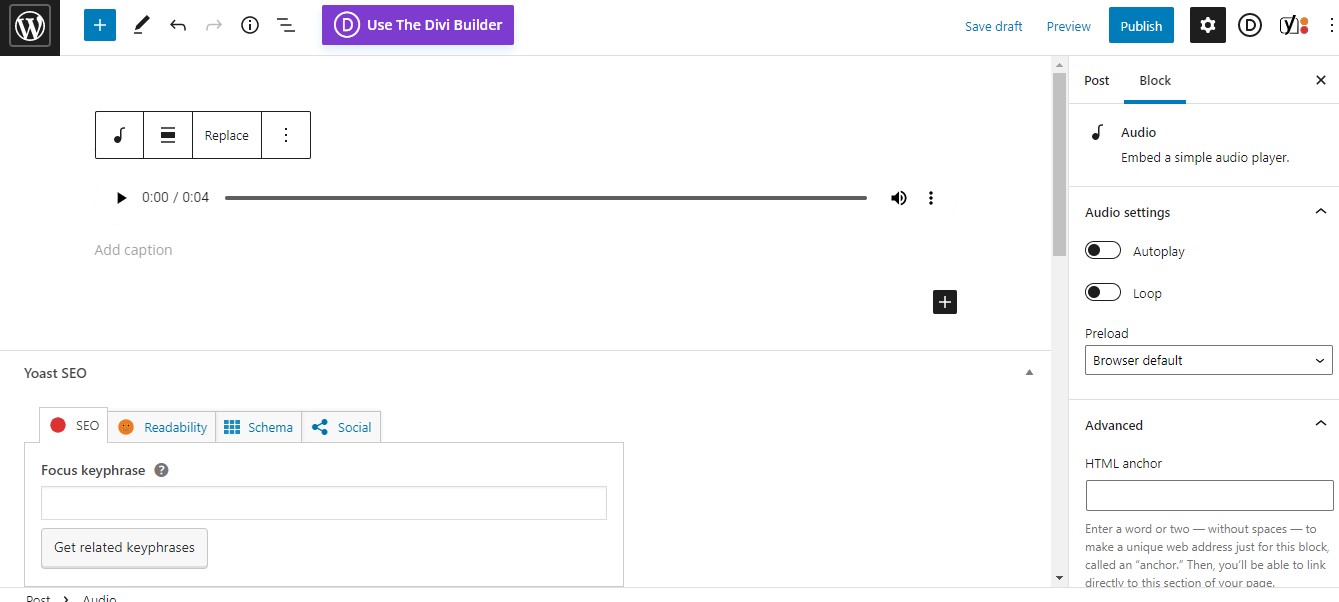
- Insert audio anywhere with shortcodes and the Audio block
- Simple and intuitive interface
🎯 Built for real use cases
🎓 Education
Collect oral homework, language exercises, student recordings.
🎙️ Creators & musicians
Record ideas, podcasts or demos, then mix voice and music beds — directly from your site.
📻 Radio & podcasting
Assemble a show with jingles, music and voice on multiple tracks, mix and export.
💬 Businesses
Collect voice feedback, testimonials or customer messages.
🔓 Why upgrade to Pro?
The free version is great to get started.
The Pro version removes limitations and turns the editor into a real multi-track audio studio: unlimited recording, live waveform, fades and effects, jingle pads, multi-track mixing and full design control.
👉 More power, more flexibility, more control.
💡 Simple pricing
- 1 website license
- Lifetime updates
- Instant download
Changelog
= 4.2.3
– Fixed (critical): long exported audio (15 min and more) showed a wrong duration in the WordPress media player and only played a small part, even though the full audio was there (and played fully once downloaded). The long-audio MP3 encoder now strips the per-segment headers before joining the pieces, so the media player reads the correct duration and seeking works.
= 4.2.2
– Fixed (critical): long recordings (15 min and more) failed to save with “Audio conversion failed” around 67%. The chunked MP3 encoder was throwing on the WAV buffer type and silently falling back to a single pass that runs out of memory on long audio. Long audio now encodes in 3-minute segments as intended.
– Fixed (multi-track): after cut/delete/paste, the waveform could keep showing a “ghost” of the removed audio (especially on secondary tracks and long audio) — the display now redraws only the real audio, so edits are immediately visible and the waveform always matches the audio.
= 4.2.1
– Multi-track fixes: edits now apply to the clicked track (not always the first), the active track follows your selection, shared clipboard across tracks, single-file media selection, loading indicator when re-editing long audio.
= 4.2.0
– Long audio export: MP3 encoding now splits long recordings into segments so 15-30 min exports no longer crash the encoder.
– Multi-track mixing (up to 4 tracks: volume, mute, solo, automatic mixdown), one-click Sound Library pads, fade in/out, silence, normalize, live recording waveform, unlimited recording duration.
= 4.1.15
– Security: guest audio submission is now decided server-side from the “Allow public access” setting. IMPORTANT: if you previously relied only on the shortcode attribute logged-in-only=”false” WITHOUT enabling “Allow public access” in Settings -> Audio Editor, you must now enable that option for guest submissions to work.
– Security: hardened file merging and chunked recording against path traversal.
– Fixed: recorded MP3 saved with an empty file name — filename is now derived from the post title (client, server and Gutenberg WP 6/7).
– Fixed: ffmpeg worker path now works whatever the plugin folder is named.
– Fixed: the shortcode button-hiding attributes (hide-record, hide-upload, hide-play, remove-buttons, etc.) work again.
– Redesigned audio lists and single audio page (cards, status badges, category chips).
– Centered the Sound Library pads row and other visual polish.
= 4.1.0
– Sound Library: prepare jingles, sound effects and music beds in Settings -> Audio Editor -> Sounds (from the Media Library, with custom labels)
– One-click sound pads in the editor: each pad loads its sound into a new track for radio-style mixing (voice + jingles + music bed)
– Sounds are loaded on demand and cached; track headers show the sound label
– Unlimited recording restored in Pro (the 5-minute auto-stop was a leftover of the old limit; the chunked recorder streams 30s pieces so long takes are safe)
– Live recording waveform is now a fixed bar at the bottom of the screen: always visible while recording, on any track and on mobile, with a pulsing REC dot and timer
– Fixed: the chunked recorder was silently not loading on the frontend since the shared-renderer migration (ghost script dependencies) — long takes and recording UI states work again
= 4.0.0
– Multi-track editing: up to 4 stacked mono tracks with per-track volume, mute and solo
– Real-time mixed playback: volume sliders, mute and solo act live while playing
– Automatic mixdown on export and save (peak-normalized only when clipping)
– Live waveform display while recording from the microphone
– Undo / Redo toolbar buttons with Ctrl+Z / Ctrl+Y keyboard shortcuts
– Fade in / Fade out on selection or whole track
– New effects: Gain +/- 3 dB, Silence, Normalize (applied to selection or whole track)
– New visibility options for all new buttons (admin settings and shortcode)
– Fixed: undo history corrupted for cut/delete operations since the Float32Array migration
– Stereo files are now downmixed to a single mono track on load
= 3.3.0
– Complete design system: 7 built-in visual templates (Default, Rounded, Square, Pastel, Gradient, Dark, Glassmorphism)
– Full color customization via shortcode attributes: template, border-radius, toolbar-bg, icon-color, btn-border, btn-bg, btn-radius, btn-shadow, waveform-bg, container-bg, container-radius, form-bg, form-text, form-btn-bg, form-btn-text
– Admin design settings page with live preview and color picker
– Settings page moved under WordPress Settings menu (Settings → Audio Editor)
– Improved loading states: distinct recording state (mic pulse) vs processing state (spinner)
– Captcha aligned and styled for guest posting
– 5-minute total duration limit enforcement improved
– Security fixes: XSS, path traversal, CSRF, MIME type validation, nonce hardening
= 3.1.0
– New chunked recording system: unlimited recording duration via 30-second segments
– Improved audio upload handler with retry logic
– Smart upload button with progress feedback
– Shared renderer architecture for consistent frontend/backend rendering
– Button text labels (show/hide toggle)
– Re-select, Reload buttons added to toolbar
= 3.0.0
– No more recording limit!
– 5 minutes in the free version
– Upload from media library
= 2.2.4
– Patch Sensitive Data Exposure vulnerability
= 2.2.3
– Corrected pagination in the lists
– Captcha smaller in the mini editor for guests.
– Added admin notice
= 2.2.2
– Fixed Ajax vulnerabilities
– Adding captcha for guest posting
– Prevent duplicate Editor and Myaudios pages at activation
= 2.2.1
– Background color inside rounded container
– Play/Pause buttons text repaired
– Public audios list shortcode improved: descending order and pagination
– Pro version repaired
= 2.2.0
– Tested on WordPress 6.6.2
– Added Redirect URL parameter
– Translation prepared
– Volume decrease improved
– Single post FSE improved
= 2.1.2
– Tested on WordPress 6.6.1
– Favicon issue corrected
= 2.1.1
Tested on WordPress 6.4.1
= 2.1.0
– New website https://wp-audio-studio.com to replace https://wp-audio.editor.com
– License system removed from settings for validating premium version.
= 2.0.0
– Complete restyling
– Shortcode attributes added for customizing the frontend
= 1.0.1
– Audio graphic pointer selection corrected
– 1 minute free version limit corrected
= 1.0.0
Working version after security corrections
Reviews
There are no reviews yet.